



One Keyboard for All Your Devices
Type on your phone, tablet, and computer with a single, slim, and portable Bluetooth keyboard.
Universal Compatibility
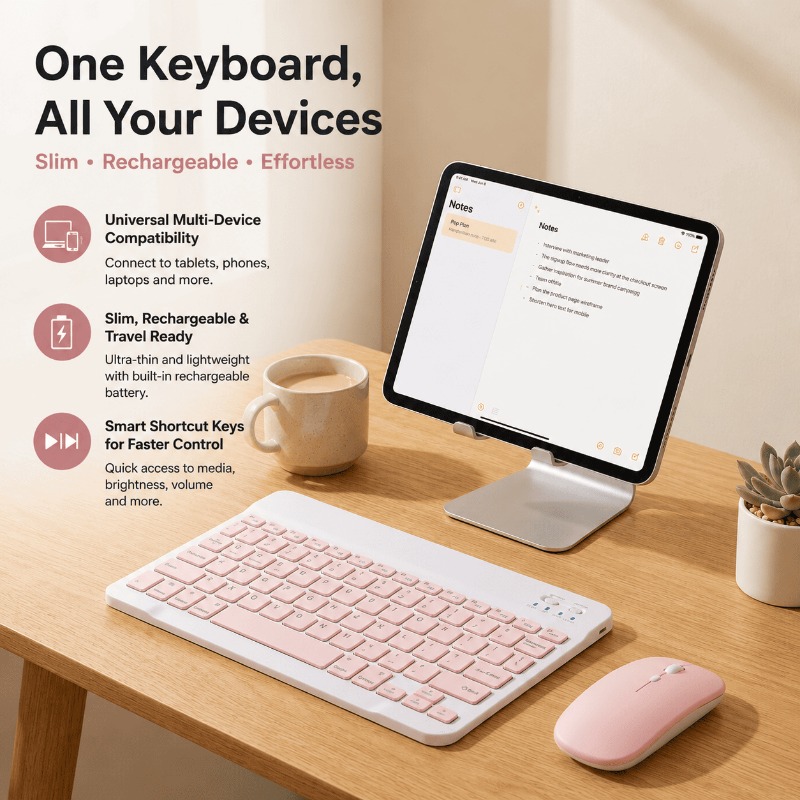
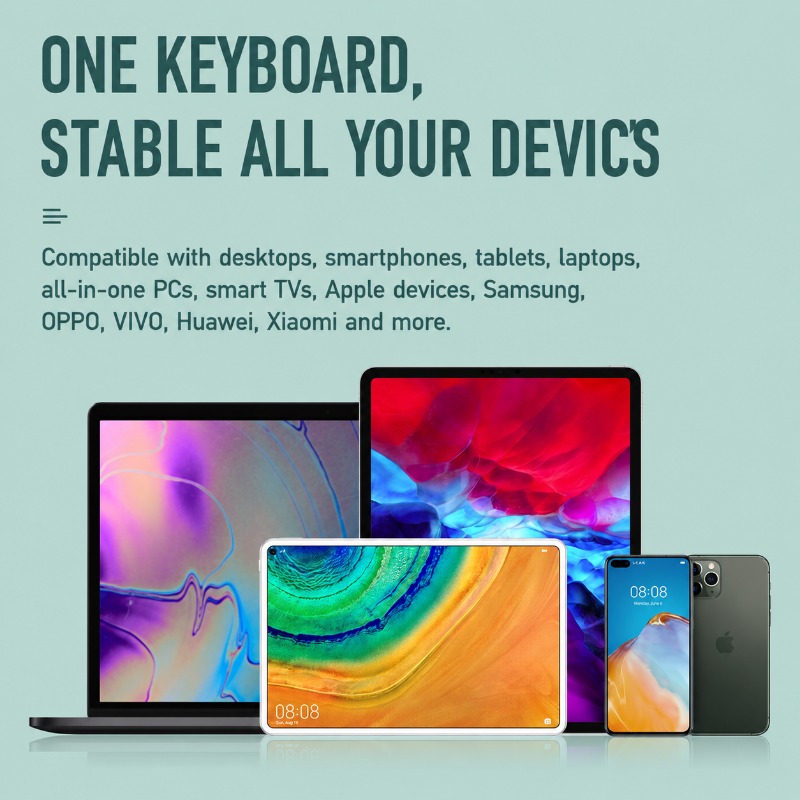
Seamlessly connect to virtually any Bluetooth-enabled device. Whether you're using an iPad, iPhone, Android tablet, Windows laptop, or Mac, this keyboard provides a consistent and comfortable typing experience across all your screens.
Slim, Light & Rechargeable
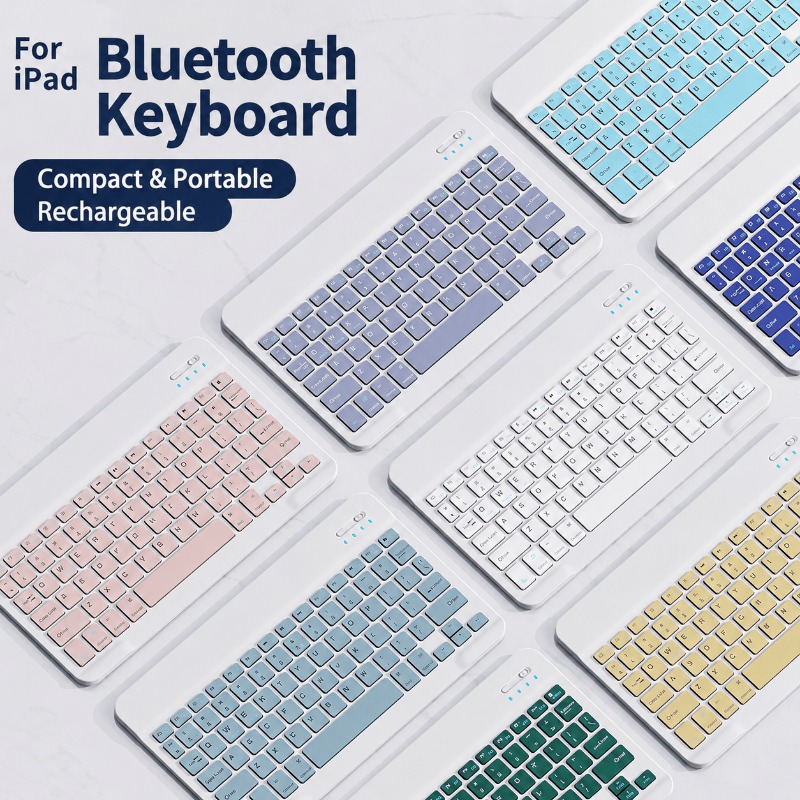
Designed for life on the go, its ultra-slim profile slips easily into your bag. The keyboard features a built-in rechargeable battery, so you can power through your day without worrying about replacements. Pair it with the optional matching mouse for a complete portable office.
Work Smarter, Not Harder
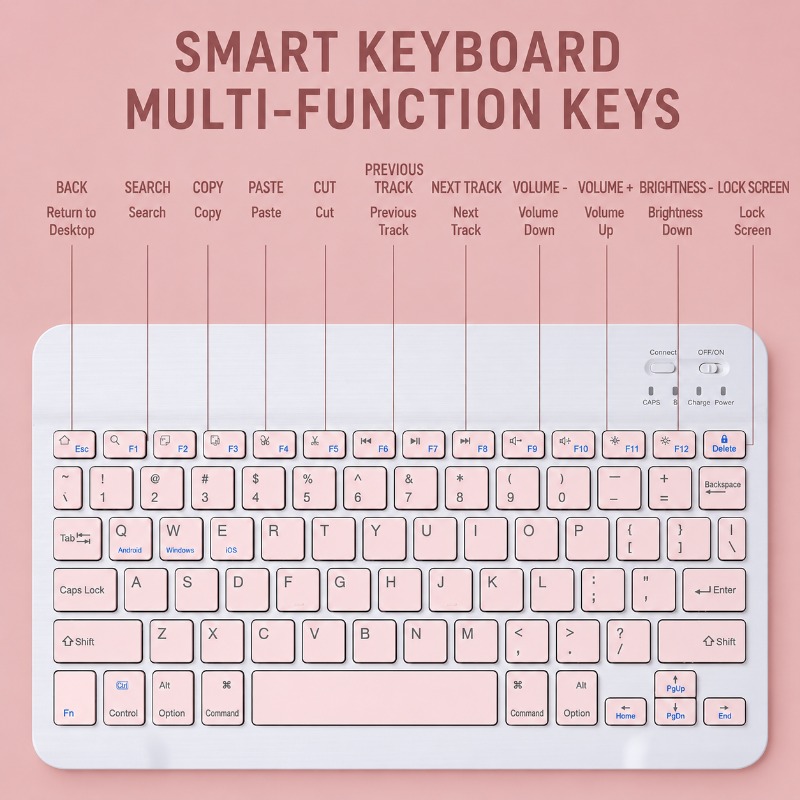
A full row of dedicated function keys gives you instant access to common commands. Adjust volume, control media playback, change screen brightness, and more with a single press, saving you time and screen taps.
Product Specifications
| Product Type | Wireless Bluetooth Keyboard (Optional Mouse Combo) |
|---|---|
| Connectivity | Bluetooth Wireless Technology |
| Keyboard Power | Built-in Rechargeable Battery |
| Layout | Compact QWERTY with Function Keys (No Number Pad) |
| Approx. Size | ~10-inch form factor |
| Compatibility | iOS, Android, Windows, macOS devices with Bluetooth |
| Colors Available | Multiple Colors (e.g., Pink, Blue, White, Green, Purple, Yellow, Black) |
| Combo Options | Keyboard + Battery Mouse |
Frequently Asked Questions
Turn on the keyboard using the switch in the top right corner, then press the "Connect" button. The Bluetooth indicator will flash. Go to your device's Bluetooth settings, find the keyboard in the list of available devices, and tap to pair.
The keyboard comes with a charging cable. Connect the small end to the keyboard's charging port (usually on the side or top edge) and the other end to a USB power source like a computer or wall adapter. The "Charge" light will turn on while charging.
This keyboard is designed to be universally compatible with most modern tablets, smartphones, and laptops that support Bluetooth keyboards, regardless of the operating system (iOS, Android, Windows, Mac).