



The Ultimate Stylus for Your Creativity
Experience natural writing and drawing with a 1.5mm fine tip, instant double-tap activation, and magnetic attachment. No pairing needed.
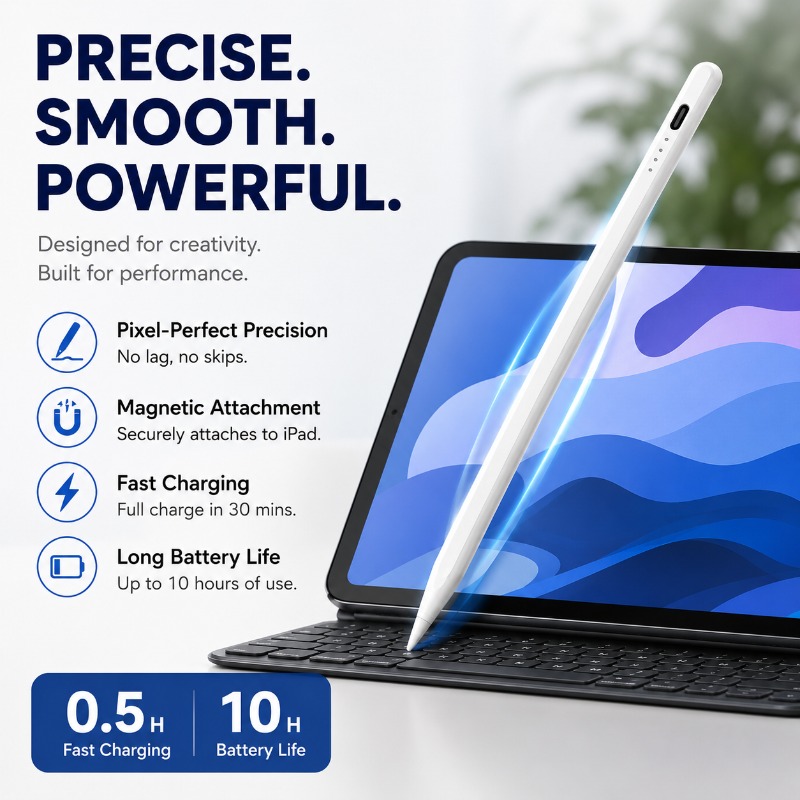
Precise & Fluid Writing
Engineered with a premium 1.5mm POM tip, this stylus delivers pixel-perfect precision and high sensitivity. Enjoy a natural, smooth writing experience without lag, skips, or scratches on your screen—perfect for detailed notes, sketches, and art.
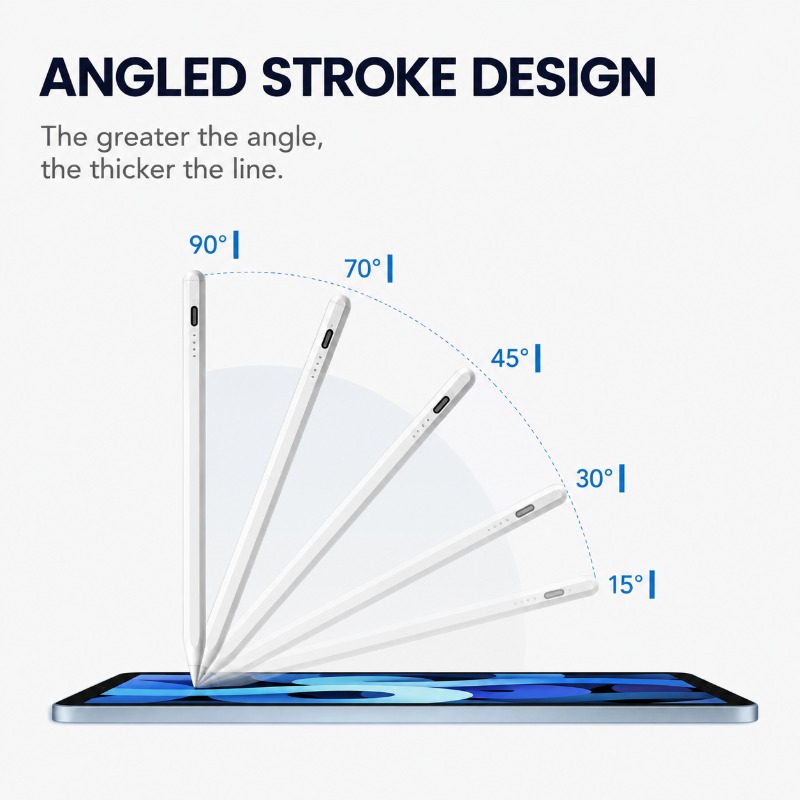
Instant On, Ready to Go
Forget cumbersome Bluetooth pairing. Simply double-tap the top of the pen to turn it on or off instantly. The integrated magnetic suction allows it to attach securely to the side of compatible iPads, making it easy to store and carry wherever you go.
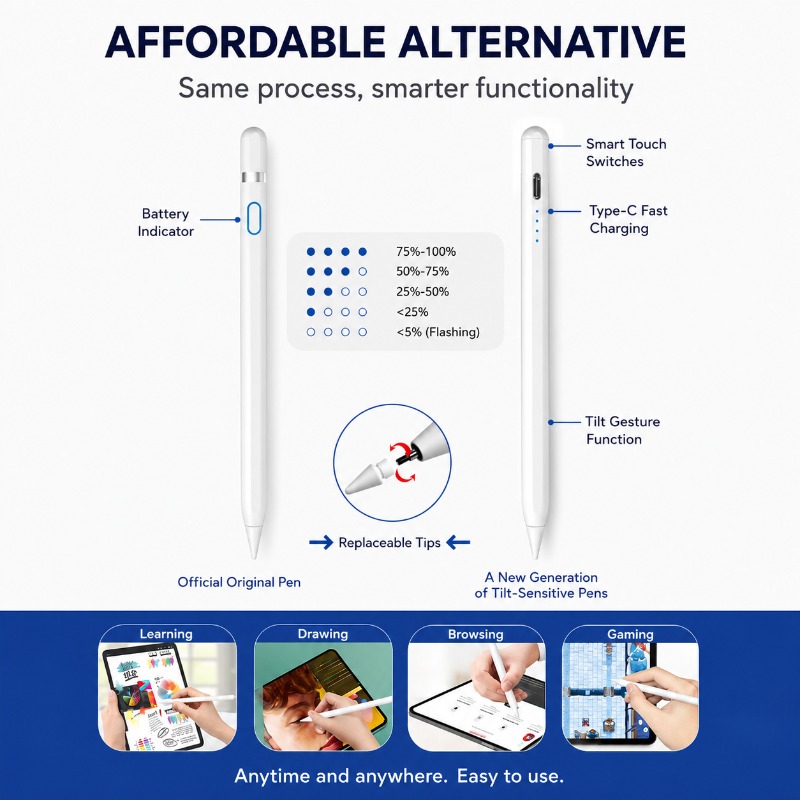
Create Without Interruption
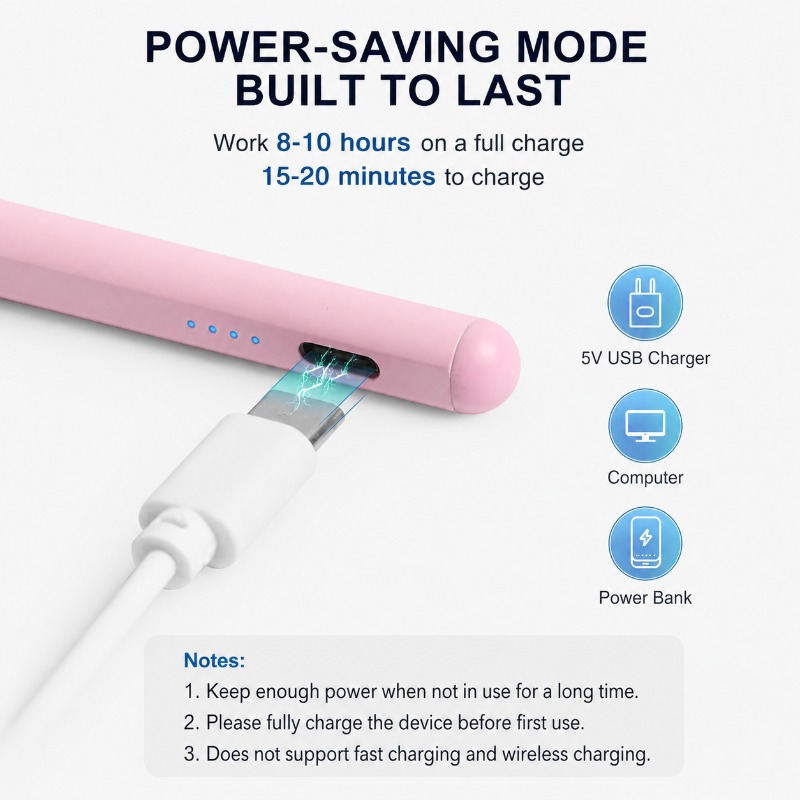
Stay productive with a long-lasting battery that provides up to 8 hours of continuous use. When it's time to recharge, the modern USB-C port gets you back to full power in just 15-20 minutes. LED indicators keep you informed of the battery status.
iPad Compatibility
| iPad Model / Size (Year) | Compatible Model Numbers (AXXXX) |
|---|---|
| iPad 6 / 7 / 8 / 9 / 10 (9.7" - 10.9") | A1893, A1954, A2197, A2200, A2198, A2270, A2428, A2429, A2430, A2602, A2604, A2603, A2605, A2696, A2757, A2777 |
| iPad mini 5 / 6 (7.9" - 8.3") | A2133, A2124, A2126, A2125, A2567, A2568, A2569 |
| iPad Air 3 / 4 / 5 (10.5" - 10.9") | A2152, A2123, A2153, A2154, A2316, A2324, A2325, A2072, A2588, A2589, A2591 |
| iPad Pro 11" (1st / 2nd / 3rd / 4th Gen) | A1980, A2013, A1934, A1979, A2228, A2068, A2230, A2231, A2377, A2459, A2301, A2460, A2759, A2435, A2761, A2762 |
| iPad Pro 12.9" (3rd / 4th / 5th / 6th Gen) | A1876, A2014, A1895, A1983, A2229, A2069, A2232, A2233, A2378, A2461, A2379, A2462, A2436, A2766, A2764, A2437 |
Product Specifications
| Active Stylus Pen for iPad | Aluminum Alloy |
| POM (Polyacetal) | 165mm (L) x 9mm (D) |
| 13.5g (approx. 0.48 oz) | USB Type-C |
| 100mAh | 15 - 20 minutes |
| Up to 8 hours | Stylus Pen, Charging Cable, User Manual |
Frequently Asked Questions
No Bluetooth pairing is needed. Simply double-tap the top cap of the stylus to turn it on. Double-tap again to turn it off.
First, ensure your iPad model is compatible. If you have previously used an Apple Pencil, please disconnect it from your iPad's Bluetooth settings before using this stylus, as it may interfere with the connection.
Connect the included USB-C cable to the charging port near the top of the pen and plug it into a power source. A full charge takes only 15-20 minutes.